3D & Unity · Interactive environment

When GPT-6.0 Astra was released, I started this project to see what it could do with Blender. I got a little carried away. The result is an interactive Unity scene with a working lighthouse, clocks that show local time and a pizza oven.
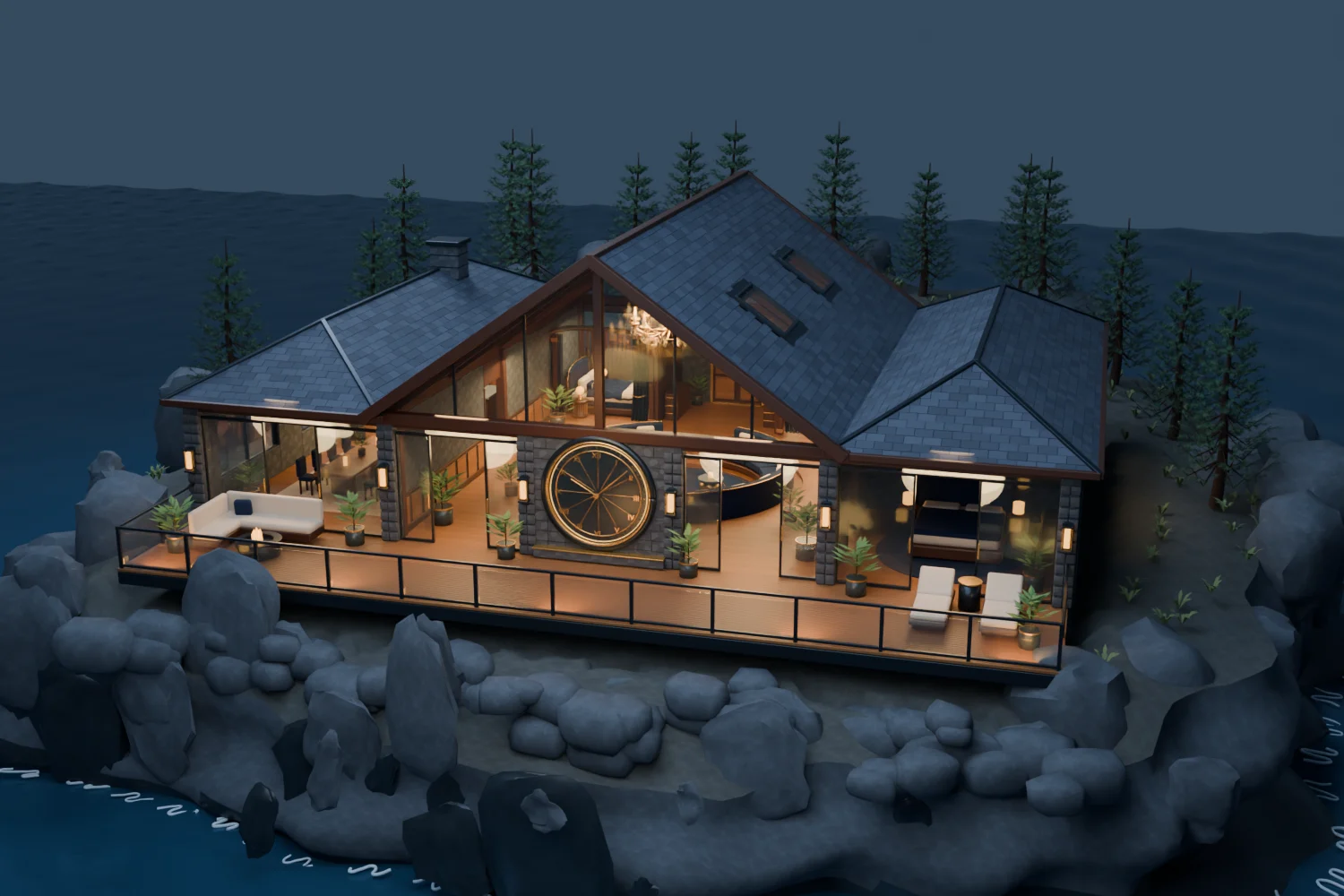
Project showcase
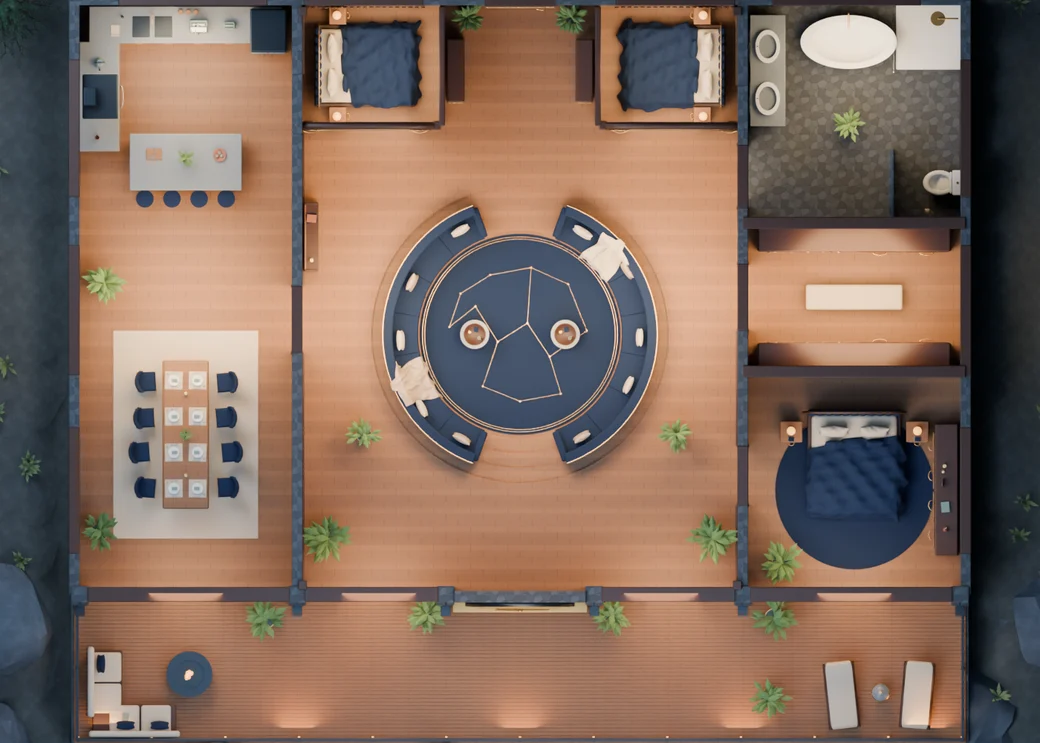
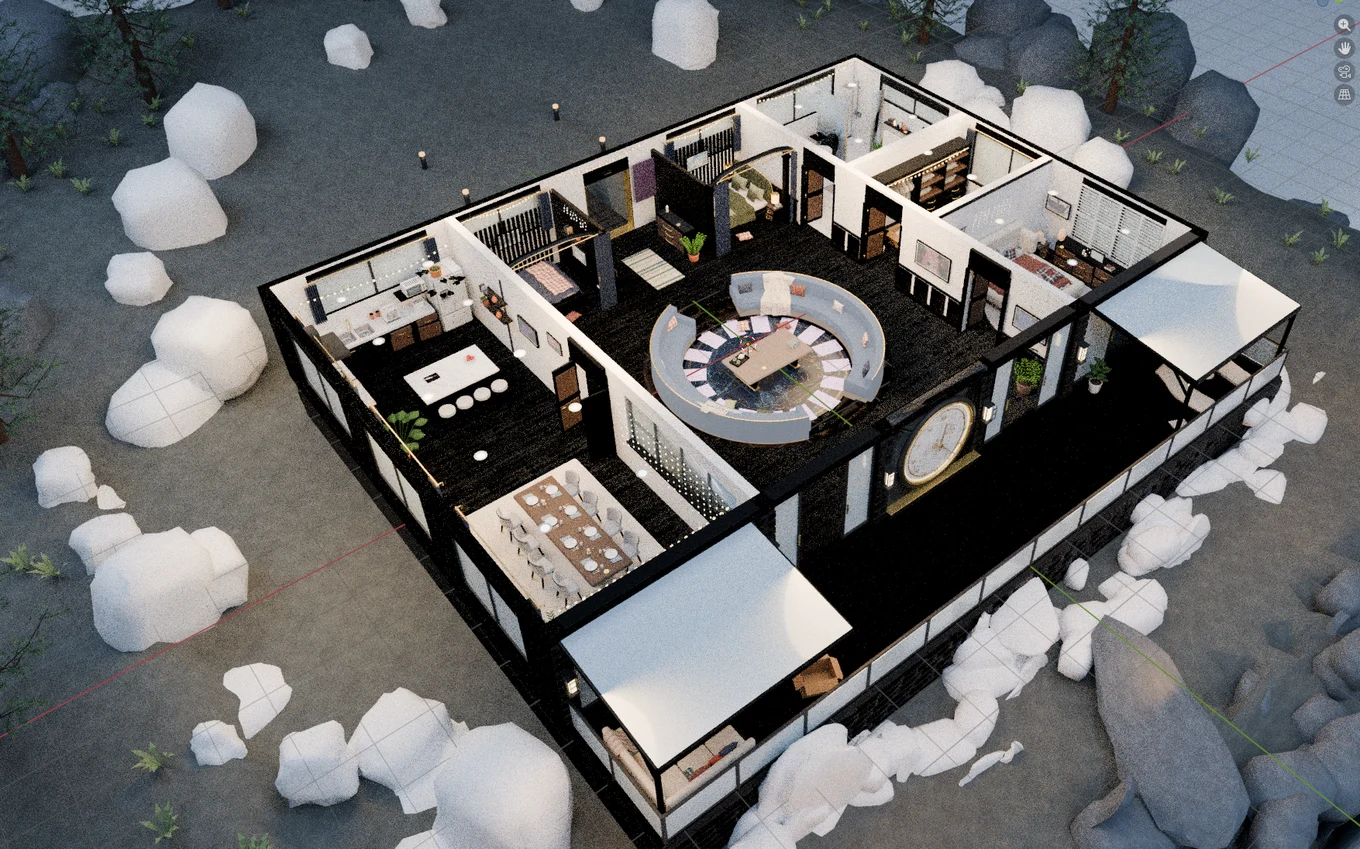
The Blender floor plan and cutaway show how the rooms came together. The clips and renders below show the lighthouse, clocks and kitchen in Unity.
A working lighthouse
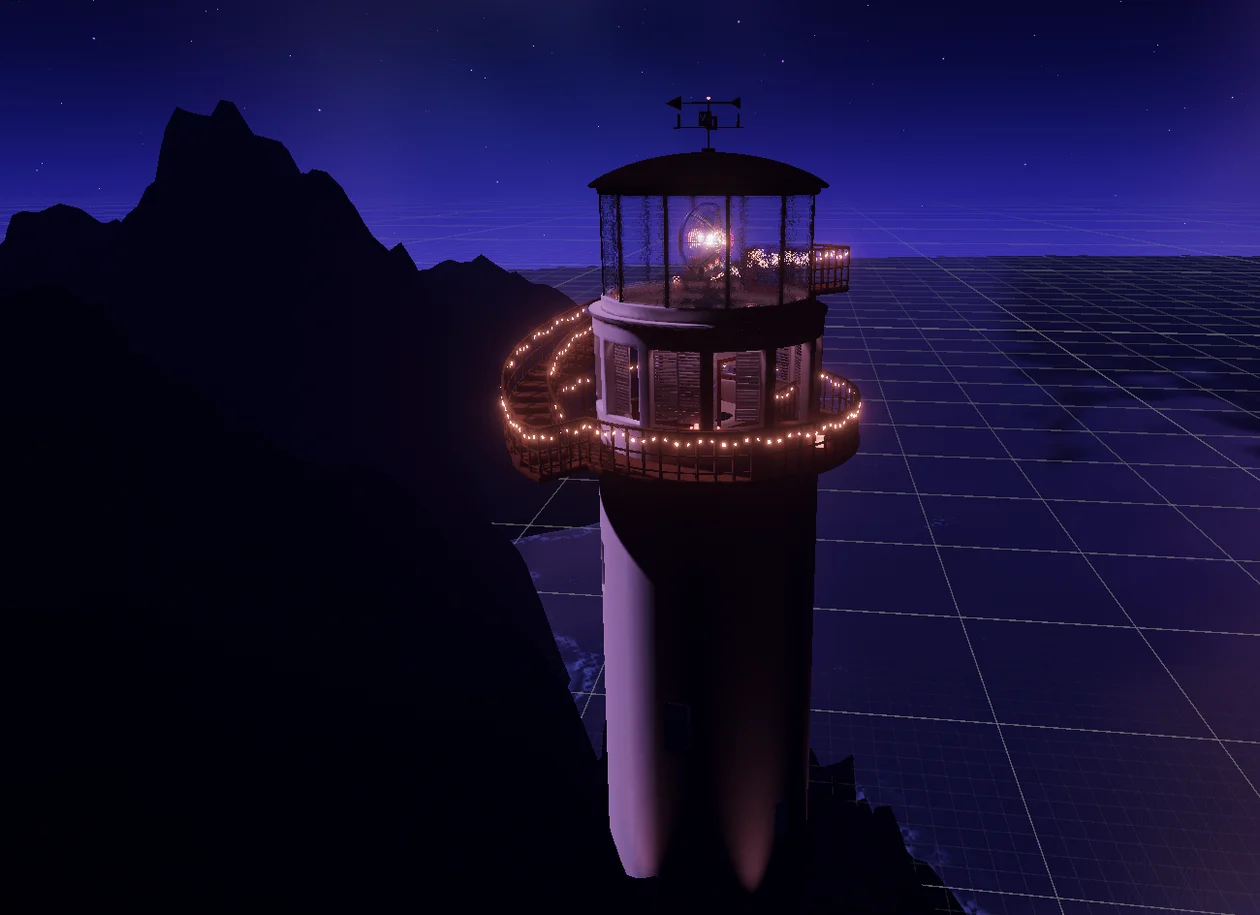
Up close, the Fresnel-style lens rotates around the lantern. From the house, the same landmark reads as a brief flash across the water.
Local time and planetary motion
Wall clock
In Unity Play mode, the wall clock reads the computer’s local time and updates once a second.
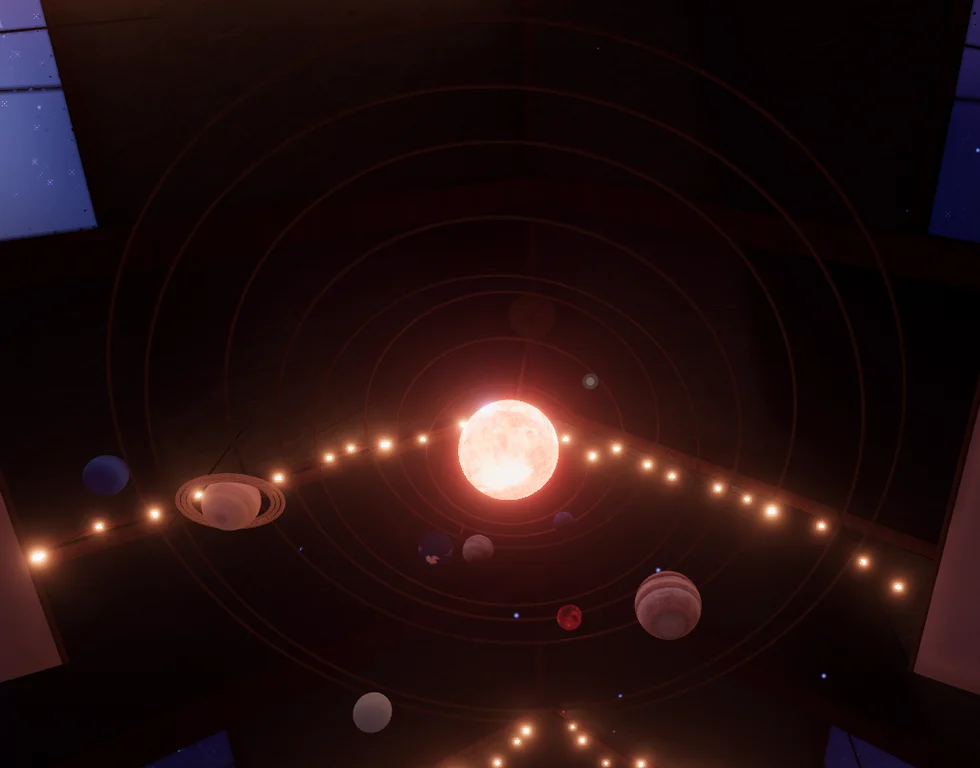
Astronomical chandelier
The same device clock supplies UTC for a calculation that refreshes every minute. It sets approximate angles for all eight planets around the Sun. The sizes and spacing are stylised. NASA JPL orbital data
Kitchen interactions in Play mode
I tested opening the fridge and microwave, serving a cooked pizza and taking individual slices in Unity Play mode. The scene tracks which slices are left.
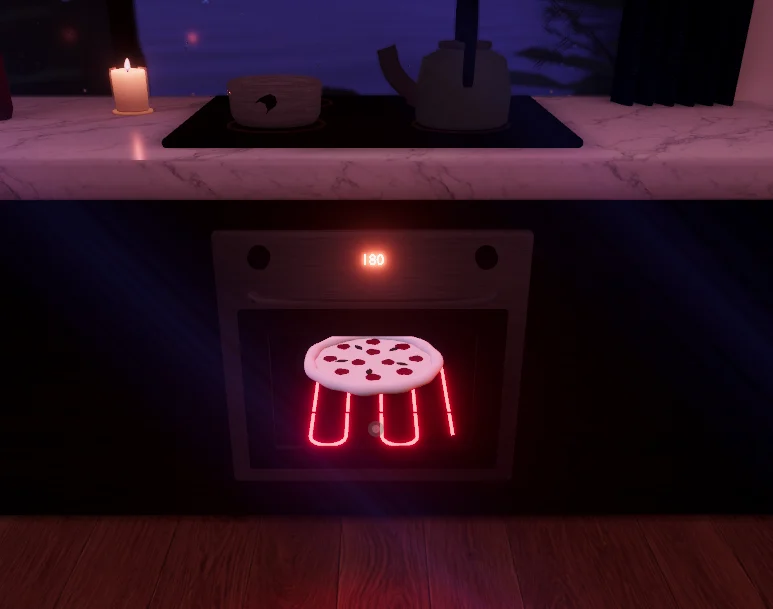
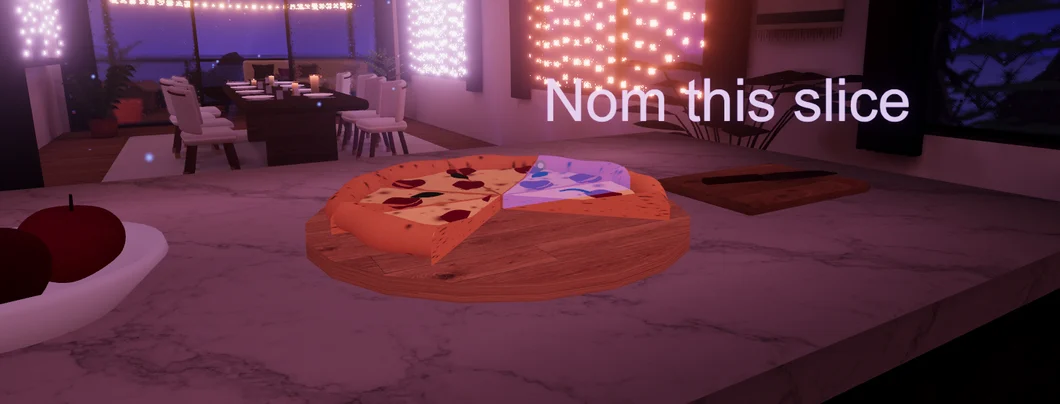
The house can track eight planets and the last surviving slice of pepperoni.
Building Coastal Clock House
Coastal Clock House started as a drawing on paper. I used that sketch to work out the layout, then built it up in Blender and turned it into an interactive scene in Unity. I worked with GPT-6.0 Astra and GPT-6.1 Sol in Codex, using the Blender and Unity MCP integrations.
-
Sketch the first concept on paper
I drew the original idea by hand to work out the shape of the house and how the rooms might connect. The sketch gave me a starting point I could change quickly.
-
Turn the sketches into visual references
I gave the AI photos of my drawings and asked it to generate concept images and a floor plan. I used the images to explore the look of the house and the plan to check how the rooms fit together.
-
Block out the floor plan in Blender
I used GPT-6.0 Astra with Blender MCP to create the first 3D floor plan. With the layout in Blender, I could look down into the building and see how the circular lounge, kitchen and dining area related to each other.
-
Iterate on the house and add the lighthouse
I kept revising the scene and adding details as the design developed. The lighthouse came later and gave the coast a landmark visible from the house.
-
Bring the scene into Unity
I used Unity MCP to help bring the Blender scene into Unity and assemble it. In Play mode, I walked through the rooms to see how the house felt at eye level.
-
Set up the lighting and reflections
I placed lights and reflection probes in Unity, then baked the static lighting. The bake captured the warm light across the rooms, and the probes gave reflective surfaces a view of their surroundings.
-
Optimise the scene in both editors
I used Blender MCP and Unity MCP to work on performance across the two editors. In Blender, I separated the detailed scenery from simpler collision meshes. In Unity, I checked the scene in Play mode to see where it needed another pass.
-
Add the clocks and the pizza oven
For the finishing touches, I added a wall clock that follows local time, a moving planetary chandelier and a pizza oven. In Play mode, the pizza can be baked and served one slice at a time.